Leer artículo en español
Ver artigo em português
To access the Studio Platform, it is essential to have an active registration in Santillana Connect or EDi beforehand. If you do not yet have these credentials, you must request them directly from your Educational Institution, as they are required to ensure proper access to the platform and the assigned resources.
Follow these steps :
1. Go to the official Studio Platform login page.

2. On the login screen, you can choose one of the following options:
- Sign in directly using your registered username and password.
- Select the Sign in with Santillana Connect option.
3. If you select Santillana Connect:
- Enter your corresponding username and password.
- Verify that your credentials are correct before proceeding.

4. If you are accessing through EDi:
- Enter your assigned username and password.
- Confirm that your credentials are active and up to date.
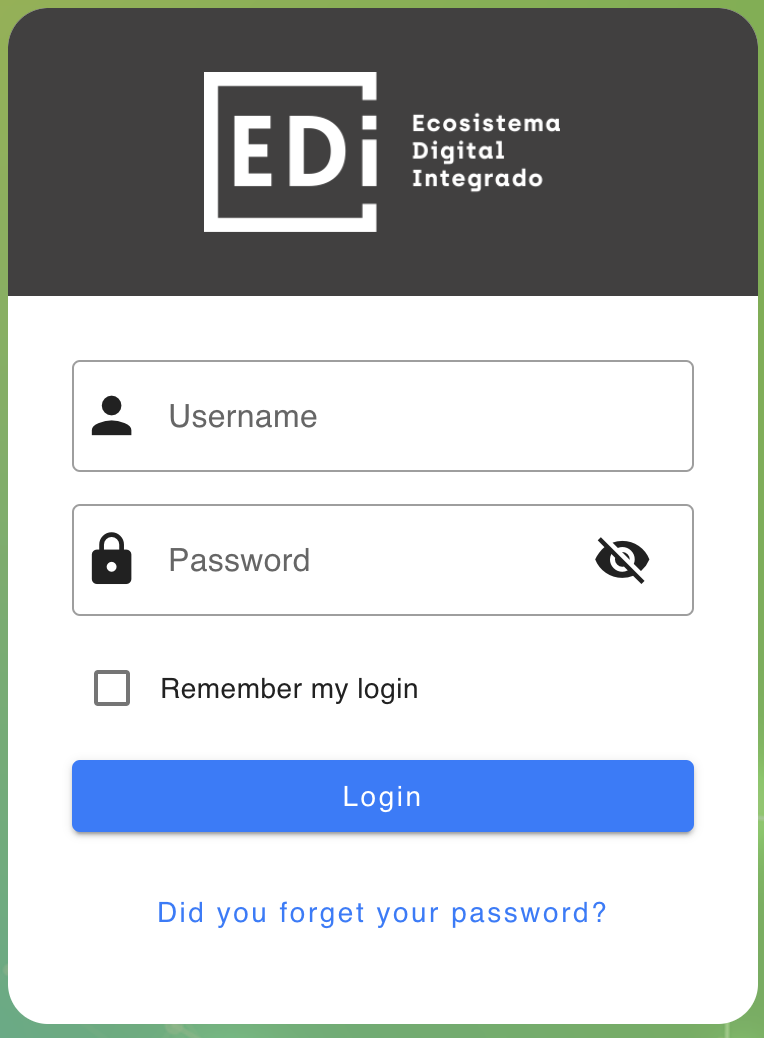
5. Once you have entered the required information, click the Sign In button to access the platform.
6. In Compartir, enter your username and password.
7. Click Sign In.
Access Using a Token
If the purchased material requires access through a token, you must first complete the corresponding registration process and enter the assigned token during that process.
Important:
- The token is printed on the card included with the purchased material.
- This card is located on the inside of the front cover, specifically on the second cover page of the book.
Additional Recommendations:
- Keep your credentials and token in a safe place.
- If you experience any access issues, contact your Educational Institution or the support team for assistance.
- Carefully verify that your username, password, and token have been entered correctly to avoid login errors.